Introduction
LinguaX is a ~10 MB native macOS utility with two independent core modules: Mouse+ makes third-party mice feel native — smooth scrolling, button and gesture mapping, per-app behavior — and Input Source automation keeps your keyboard language aligned with the app or website in front of you. Basic mouse enhancement works with any USB or Bluetooth mouse; special-button support depends on the model. No drivers, account, or behavioral telemetry are required.


Start here
New to LinguaX? Three short pages get you from download to a working setup:
- Installation — drag to Applications, done in under a minute.
- First run — permissions and your first mapping.
- Quick tour — validate everything in five minutes.
Setting up for a specific role? See Setup for developers or Setup for designers.
Configure your mouse
Turn a basic mouse into a precise, configurable tool:
- Mouse+ overview — what the module does and why it's native.
- Smooth scrolling — tunable Min Step, Speed Gain, and Duration.
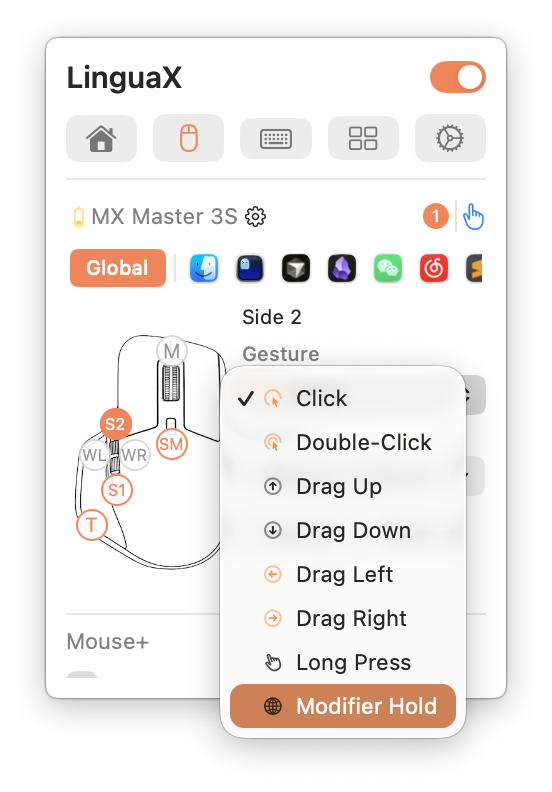
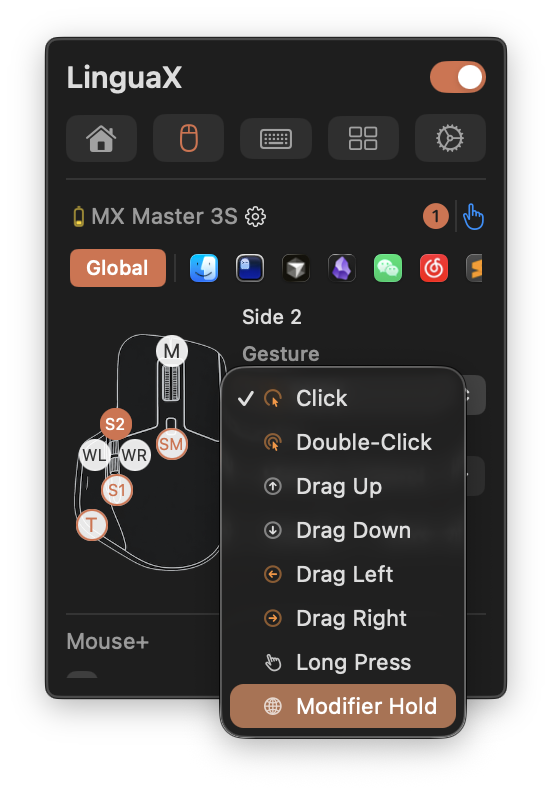
- Button mapping and gesture mapping — click, double-click, long-press, and directional swipe per button.
- Compatible models — per-model guides for MX Master, MX Anywhere, G Pro X Superlight, Lift, MX Ergo, and more.
Automate input switching
For multilingual and multi-app work, the input source follows your context automatically:
- Automatic input source switching — how it works and what triggers it.
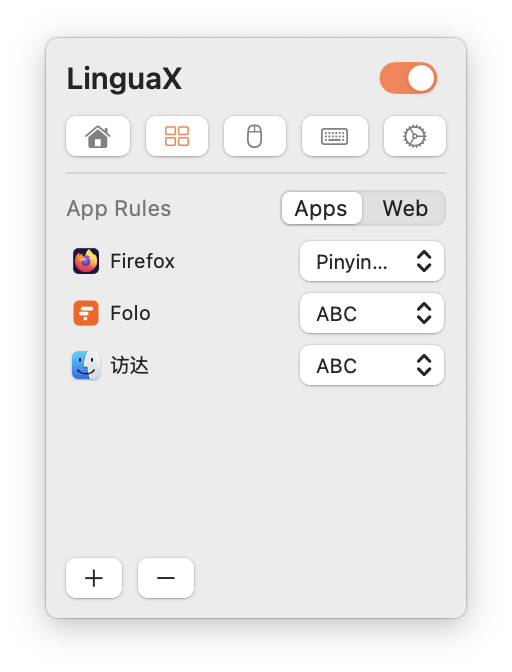
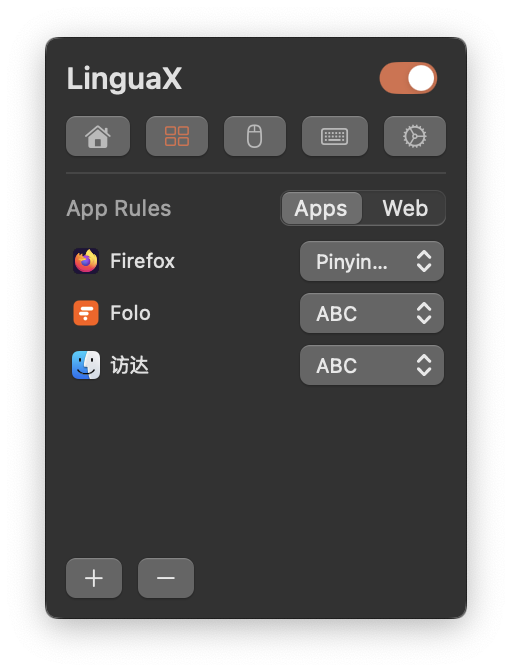
- App & website rules — the two rule types and their priority.
- Multilingual workflow — a stable bilingual setup pattern.
Priority is always website domain rule > app rule > global default. Domain rules work in Safari, Chrome, Edge, Brave, and Opera (not Firefox).
Set up push-to-talk
A mouse side button can hold the Fn (Globe) key — a physical push-to-talk switch for voice typing:
- Push-to-talk voice typing on Mac — the core setup.
- Best push-to-talk apps for Mac — pick a voice tool.
- Wispr Flow & superwhisper hotkeys — app-specific configuration.
Why LinguaX
- Lightweight — ~10 MB, fully native macOS app; no Electron, no background bloat.
- Private — core mouse and input-source processing runs locally. AIx sends submitted text only when you invoke an AI action and consent; downloads, updates, and license validation use the network. Configuration can sync through your own iCloud when enabled.
- Driverless — drag to Applications and it works with any USB or Bluetooth mouse.
- Honest pricing — $9.9 one-time Lifetime purchase covering 3 devices, with a 30-day free trial. No subscription.
Coming from another tool?
- Logi Options+ alternative — replace the Electron suite.
- Mos vs LinearMouse vs Mac Mouse Fix — how the free tools compare.
- MX Master 3S: migrate from Logi Options+ — step-by-step migration.
Product preview
More screenshots throughout the per-feature pages. Questions? Start with the general FAQ or troubleshooting.