Gesture Mapping
A single button can do more than one thing. Mouse+ recognizes distinct gestures on the same button and binds each to its own action, so one side button can cover several workflows.
Gesture types
- Click — a single press.
- Double-Click — detection windows are tuned to match system settings for natural timing.
- Long Press — hold the button past a threshold (0.5s) to trigger a separate action. On the
Thumbslot, long-press is available only on Logitech HID++ devices. - Drag Up / Drag Down / Drag Left / Drag Right — hold and drag the button in a direction; each of the four directions maps independently.
- Modifier Hold — hold the Fn (Globe) modifier while the button is pressed (see below).
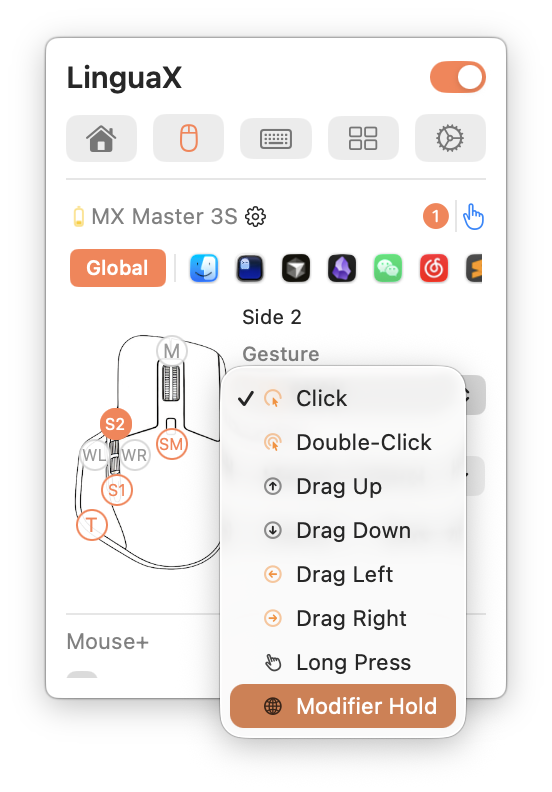
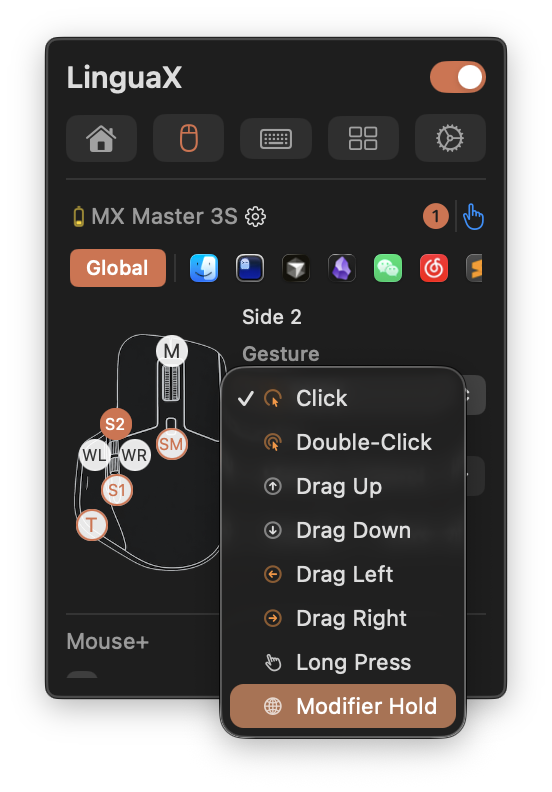
Directional drags (swipe gestures) fire by one of three modes — Release, Threshold, or Interval — with an on-screen mode indicator while the gesture is active. All side-button, long-press, and gesture semantics run through one unified runtime, so behavior stays consistent across devices. The wheel-tilt slots support Click only.
Binding actions
Each gesture maps to the mouse action set: Open Application, System Setting, Media Control, Keyboard Shortcut, and Modifier Hold. Mix gesture types on one button — for example, click for back, long-press for Mission Control, drag left/right to switch Spaces.
Modifier-hold gesture
A gesture can hold the Fn (Globe) modifier while you keep the button pressed and release it the moment you let go. This drives push-to-talk voice input and other hold-to-activate tools, where the action must stop instantly on release.